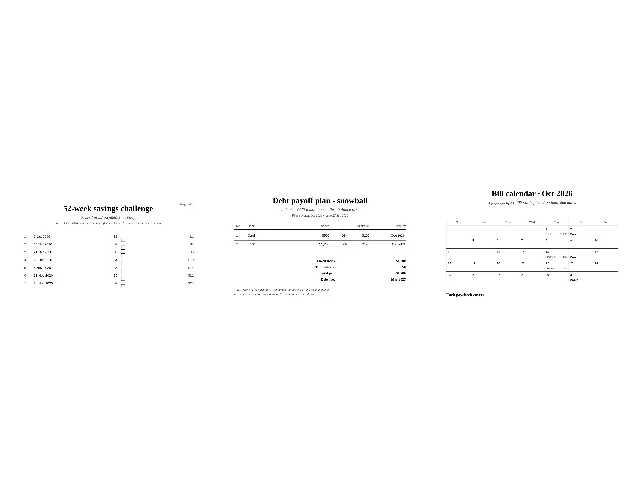
Money printables usually arrive blank: a fixed $1-to-$52 chart, an empty debt grid, a calendar with no bills in it. The arithmetic — your target, your payoff order, which paycheck covers the 22nd — is left as homework. This page is the other kind: every sheet here is computed from your numbers and prints dated, tickable and total.
Which tool do I need?
| The job you arrived with | The tool for it |
|---|---|
| Save a set amount over a year, a bit more each week | 52-week savings challenge generator |
| Pay off debts in an order that works, and see the end date | Debt snowball tracker |
| Know which paycheck covers which bill, and when | Bill calendar by paycheck |
| Know which papers to gather before you can file | Tax document checklist |
All four print on A4 or US Letter at true size, free, with no sign-up. The full method behind the savings sheet — including the catch-up arithmetic for a missed week — is written out in the guide How does the 52-week savings challenge work?, with the generator embedded on the page.
What does computed mean here?
Four examples, straight from the tools:
- The classic challenge totals $1,378 (1 + 2 + … + 52). Type $5,000 or $10,000 and the generator rescales the same progression, with the last week absorbing the rounding so the total lands exactly on your number.
- The snowball tracker simulates your debts month by month — interest first, minimums next, the pile on the smallest balance — and prints the month each debt clears and the total interest for the order you chose.
- The bill calendar knows October 2026 has three biweekly paydays if you are paid on the 2nd, and that a bill due on the 31st lands on the 30th in November.
- The tax checklist computes its season line from today’s date, so an October visit prints “for the return due April” with the year attached in your browser — the sheet never wears a number that has gone stale.
If a plan cannot exist — minimums below the interest, a payday rhythm that never covers a bill — the tool says so in plain words instead of printing a number that lies.
Are my money numbers uploaded anywhere?
No. Each tool states it on its own page and means it: the computation, the preview and the PDF all happen in your browser, and no request carries anything you typed. Debt numbers especially belong to nobody else’s server — which is why there is no account, no email gate and no “we delete your data” promise here: nothing arrives to delete.
Is this a budget?
No, and deliberately. A budget is a plan for spending; these tools are arithmetic for four specific jobs — saving toward a number, ending debts, matching bills to paydays, gathering tax documents. They do the math, print it, and leave the decisions with you. Not financial advice, on the page and on every printout.